
2 Products Tagged
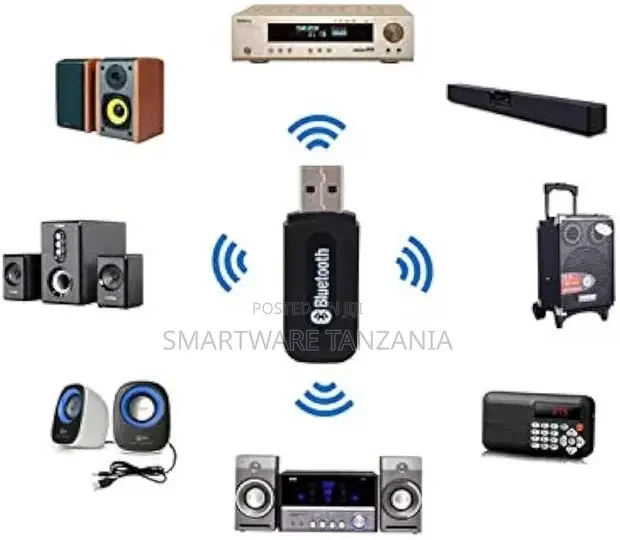
USB Bluetooth Audio Receiver, 3.5mm Music Adapter Dongle
Instructions for use:- Insert the USB of the receiver into any available USB port or to a AC to USB adapter to get power. Connect the speaker's 3.5mm audio cable to the Car Bluetooth dongle. Open the Bluetooth-enabled mobile phone (or computer), search Bluetooth devices to find and pair a device called H-162, pairing code is 0000, after the pairing is successful, the led light will slow down. Now you can select the music via Bluetooth from a cell phone or computer, a great music will play from speaker. Features: Bluetooth audio receiver for speakers transforms ordinary speakers and headsets to Bluetooth wireless speakers and headsets/earphones. Can be paired to any Bluetooth enabled devices, such as mobile phone I phone laptops and Bluetooth audio transmitter. Single button for easy control.
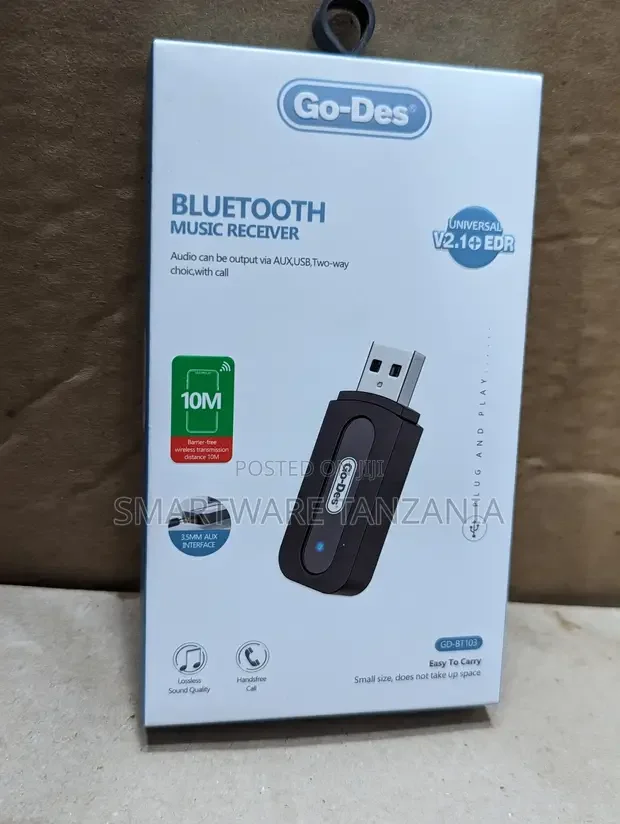
Usb Bluetooth Music Receiver 3.5 Mm Adaptor Dongle Speakers
Operation Steps : Step One : i) For No USB port Speakers - Supply power to the device by connecting charger with 5V USB interface, then connect the speaker's AUX port with the audio cable. ii)For Speakers with USB port- Connect the device with speaker'r USB port directly, then connect the Speaker's AUX port with the audio Cable. Step Two : i) Turn on the Bluetooth function of computer. mobile or other device which has bluetooth function, searching for the BT-163 device to connect and input : 0000 for matching when the device is in the matching mode. After matching success, the indicator light turn to twinkle slowly. Then you can use your Iphones Ipad playing the music.